Grizely DirectNess
1PCS Sports Hyper Car Alarm Clock, Realistic Engine Roar & Mist Spray Alarm Clock with Remote, LED Light-Up Car Model Clock
1PCS Sports Hyper Car Alarm Clock, Realistic Engine Roar & Mist Spray Alarm Clock with Remote, LED Light-Up Car Model Clock
Regular price
S/.109.99 PEN
Regular price
Sale price
S/.109.99 PEN
Duties and taxes included.
Quantity
Couldn't load pickup availability
Car Model Alarm Clock User Manual
Specifications:
- Power Supply (Receiver/Clock Unit): 3.7V Lithium-ion Battery (rechargeable)
- Power Supply (Transmitter/Remote Control): 4.5V (3 button batteries, not included)
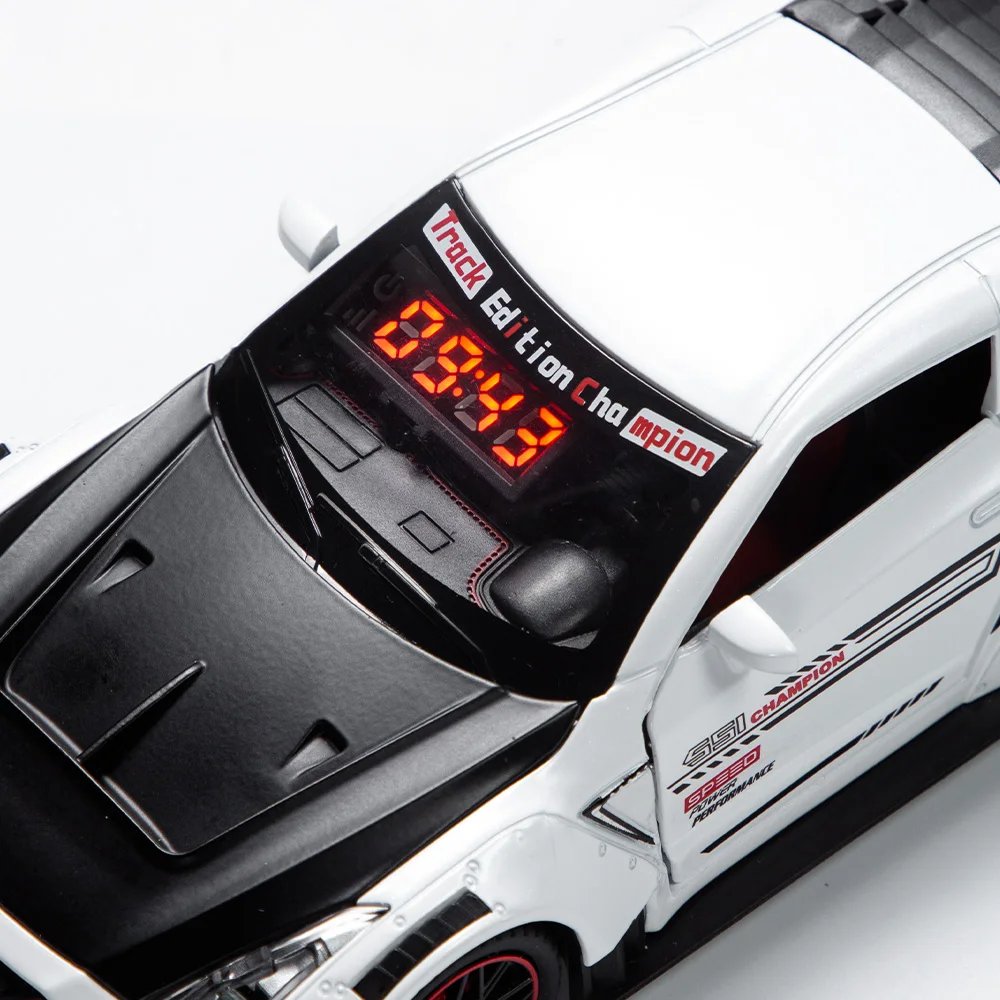
- Display: LCD Screen (4×8), LED Digital Time Display
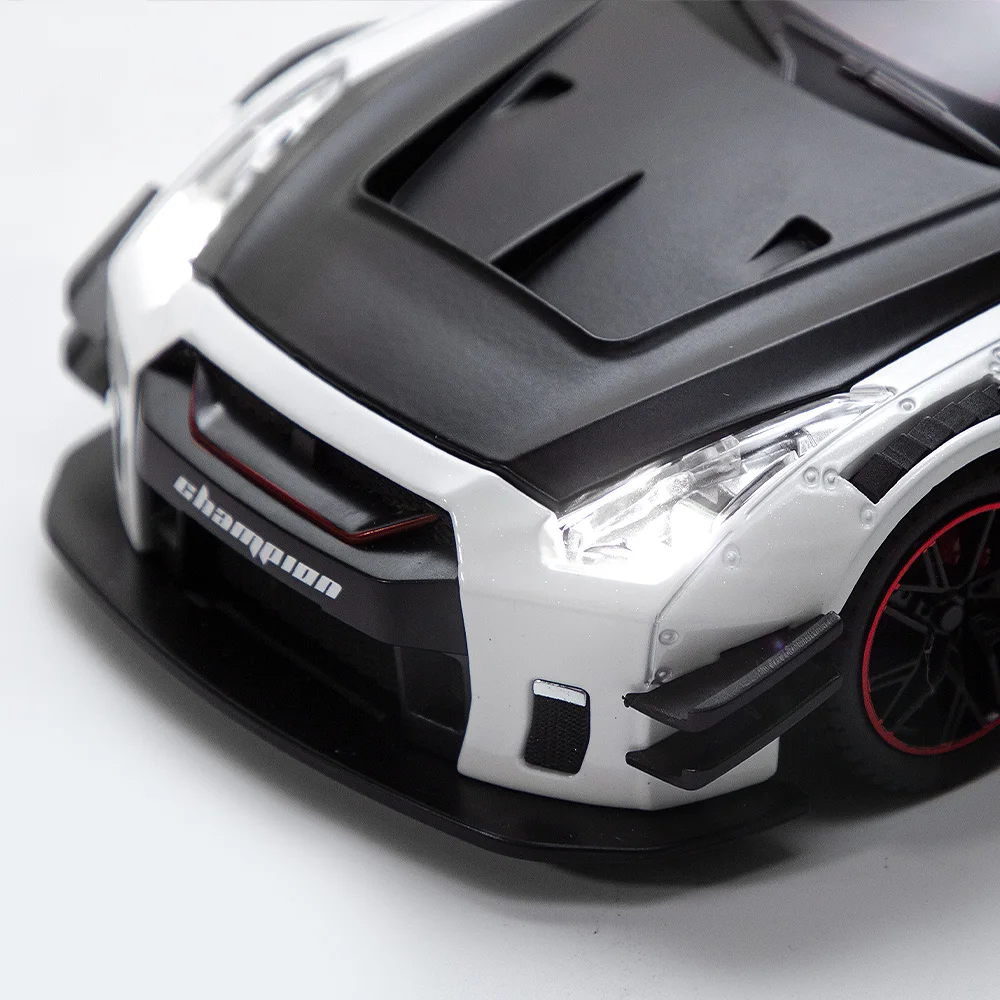
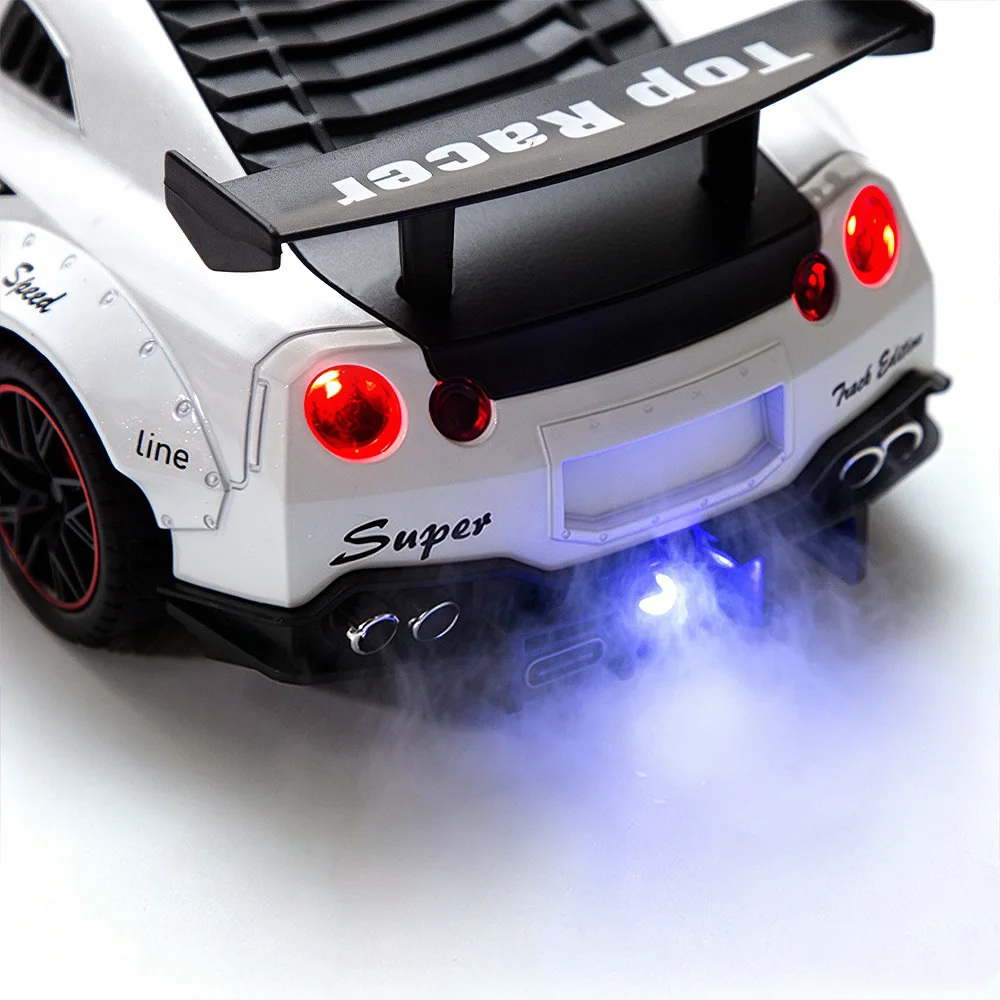
- Light Effects: 5 Monochrome LEDs: 2 White (Headlights), 2 Red (Taillights), 1 Blue (Spray/Exhaust Light)
- Spray/Exhaust Function: Water-Addable Atomizing Sheet (simulates exhaust smoke effects)
- Control Method: 2.4G Wireless Receiver (Clock Unit) + Infrared Remote Control (Transmitter)
- Speaker: Built-in speaker with 3 selectable ringtones
- Volume Levels: 6 adjustable levels
- Working Modes: Time Mode, Alarm Mode
1. Receiver End (Car Model Clock Unit)
1.1 Button Definition
Buttons:
- STEERING WHEEL: Switch ringtones.
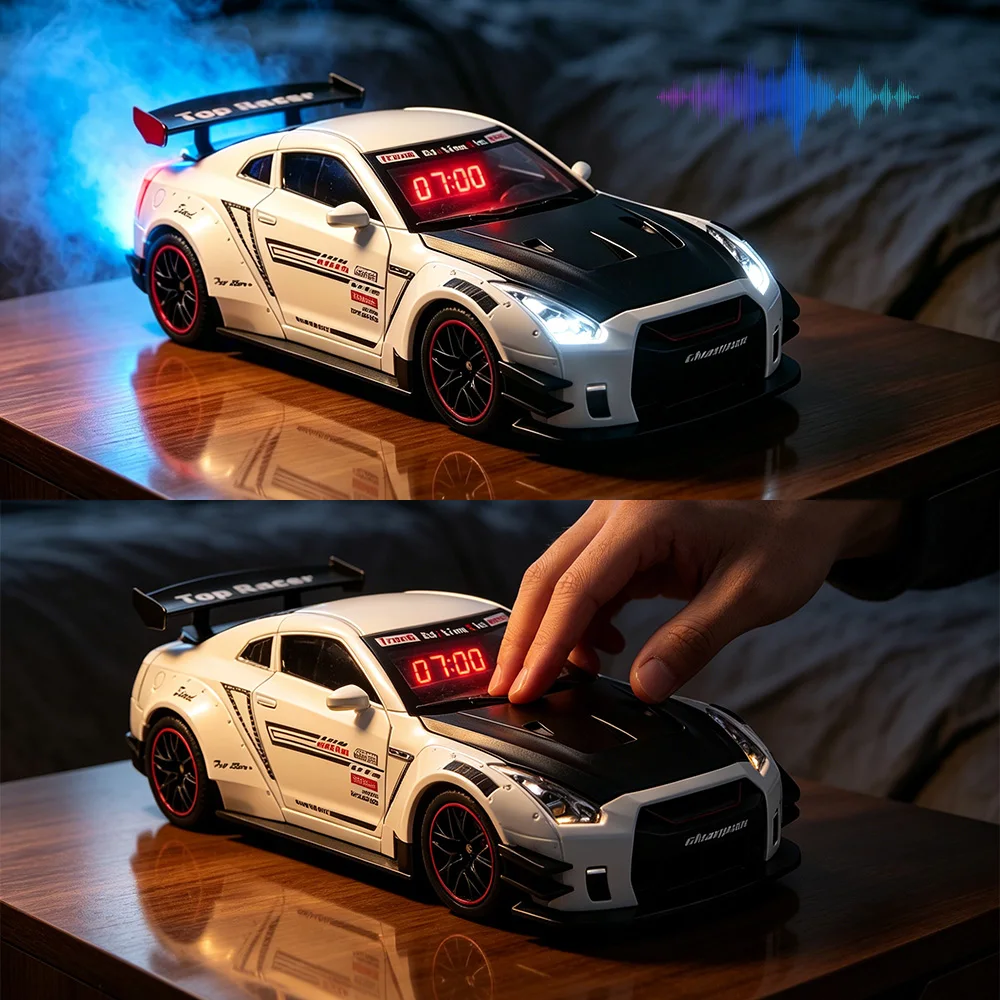
- WHEEL: Trigger light, spray, and sound effects.
1.2 Function Description
1.2 Function Description
1.2.1 Power On/Off
- Slide the toggle switch to POWER ON. The device will make a "beep" sound, then turn off the lights and display the current time in Time Mode. By default, the alarm will not trigger automatically when powered on.
Slide the toggle switch to SHUT DOWN to turn off the power directly.
Note: After the car loses power, you must reset the time and alarm settings.
1.2.2 STEERING WHEEL Button (Ringtone Selection)
- In Time Mode, short press the STEERING WHEEL button to cycle through 3 ringtones: Ringtone 1, Ringtone 2, Ringtone 3.
The car lights will flash when switching sounds, but the fog lamp and spray function will not activate.
After selecting a ringtone, pressing the WHEEL button or triggering the alarm will play the currently selected sound.
1.2.3 WHEEL Button (Light & Spray Effects)
- In Time Mode, short press the WHEEL button briefly to activate:
The selected ringtone.
- All 5 LEDs (headlights, taillights, and spray light).
- The spray/exhaust effect (ensure the atomizing sheet has water added).
- Press the key again to stop the sound, turn off the lights, and end the spray demonstration.
1.2.4 Alarm Clock Function
- Alarm Trigger: If the alarm is enabled in Time Mode, when the time reaches the set alarm time:
- The clock will play the selected ringtone.
- The spray function and spray light will activate.
- All car lights will turn on.
- The time on the screen will flash to indicate the alarm is active.
Alarm Stop:
- If no operation is performed for about 1 minute, the alarm will stop automatically.
- Press any button during the alarm to pause it.
- To fully stop the alarm: turn off the sound, stop the spray, and turn off the lights to return to Time Mode.
Note: The alarm function will not work if the device is not in Time Mode.
1.2.5 Charging
- The built-in lithium battery supports use while charging.
- If there is a power outage, the time will need to be reset.
- When charging, the CHARGE indicator will flash, showing charging is in progress.
- When the indicator stays on, the battery is fully charged. If it does not light up, the device is not connected to power.
2. Transmitter End (Remote Control)
2.1 Overview & Button Definition
- Buttons:
+: Increase value (time/volume) / Turn on alarm.
PATTERN: Switch between modes / Enter setting mode (long press).
-: Decrease value (time/volume) / Turn on car lights.
2.2 Function Description
2.2.1 Default State
- The clock will display the time when powered on, with the alarm function disabled by default.
2.2.2 Mode Switching & Settings
- Short Press PATTERN:
1st press: Display the alarm time.
2nd press: Display the current normal time.
How to tell them apart: The second dot flashes in Alarm Mode and does not flash in Time Mode.
Long Press PATTERN (Enter Setting Mode):
1st press: Enter Time Hour Setting (the hour number flashes).
2nd press: Enter Time Minute Setting (the minute number flashes).
3rd press: Enter Alarm Hour Setting (the hour number stays on).
4th press: Enter Alarm Minute Setting (the minute number stays on).
5th press: Return to the first step and loop.
Exit Setting Mode:
Long press PATTERN again to exit.
Or, the device will automatically exit and return to Time Mode after 60 seconds of inactivity.
Note: You can only set hours and minutes; the seconds will automatically reset to zero. Setting the alarm does not affect the seconds display.
2.2.3 + Button Functions
In Setting Mode: Short press to increase the displayed number (hour/minute). Long press for quick adjustment.
In Time Mode: Long press to turn on the alarm (the alarm icon will stay on). Long press again to turn off the alarm (the icon will disappear).
Volume Control: Short press to increase the volume (6 levels total). At the highest level (level 4), there will be no further increase or prompt sound. Volume adjustment will not interrupt the current sound.
2.2.4 - Button Functions
In Setting Mode: Short press to decrease the displayed number (hour/minute). Long press for quick adjustment.
In Time Mode: Long press to turn on the car lights. Long press again to turn them off. The lights' state is independent of the sound function.
Volume Control: Short press to decrease the volume (6 levels total). At the lowest level, a prompt sound will be emitted, and there will be no further decrease. Volume adjustment will not interrupt the current sound.
3. Safety & Warnings
- Choking Hazard: Contains small parts. Not suitable for children under 3 years old.
- Water for Spray Function: Use only clean water. Do not add other liquids. Ensure the device is turned off when refilling.
Battery Safety:
- Do not mix old and new batteries, or different types of batteries.
Remove batteries from the remote control if it will not be used for a long time.
- The built-in lithium battery should not be exposed to high temperatures or fire.
- Do not disassemble or modify the device. Keep it away from heat sources and direct sunlight.
Specifications, colors, and contents may vary from the illustrations due to product updates.
4. Package Contents
1 x Sports Car Model Alarm Clock (Receiver Unit)
1 x Remote Control (Transmitter Unit)
1 x USB Charging Cable
About this item:
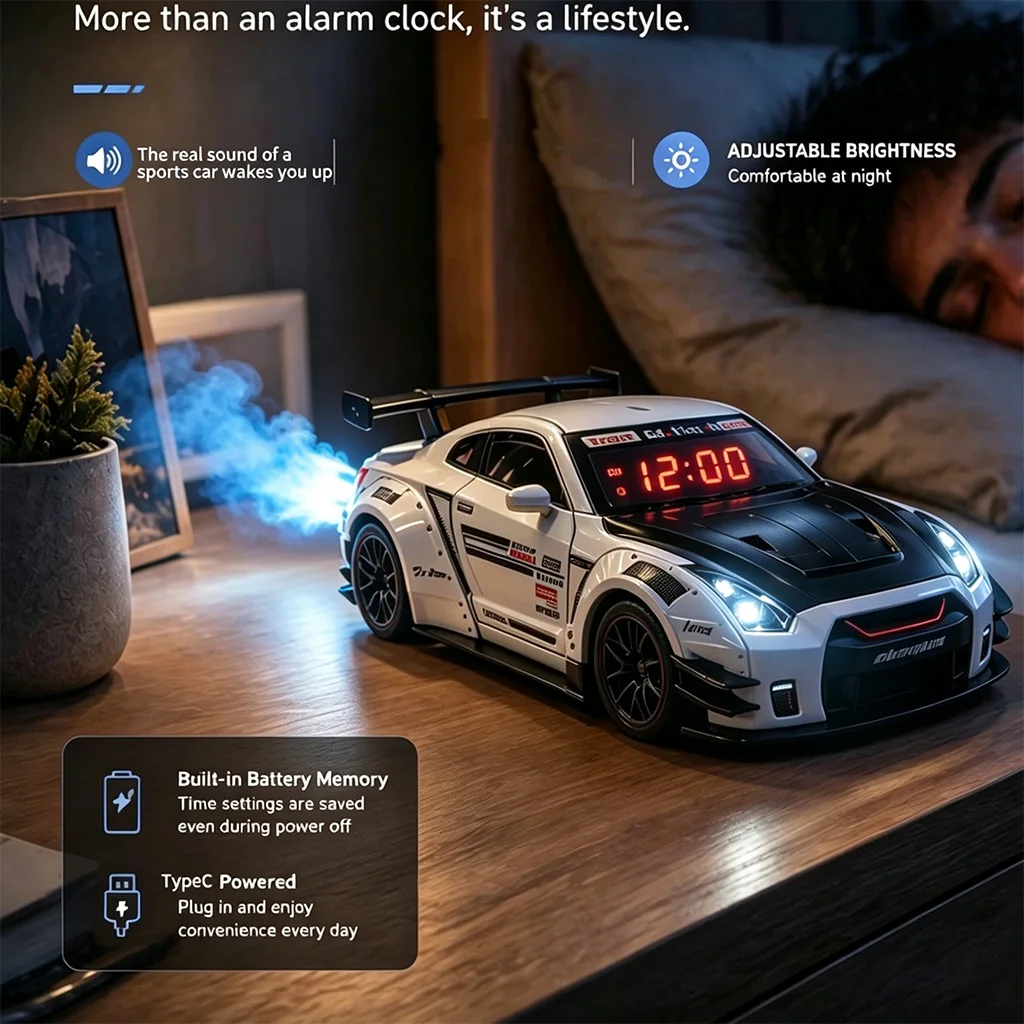
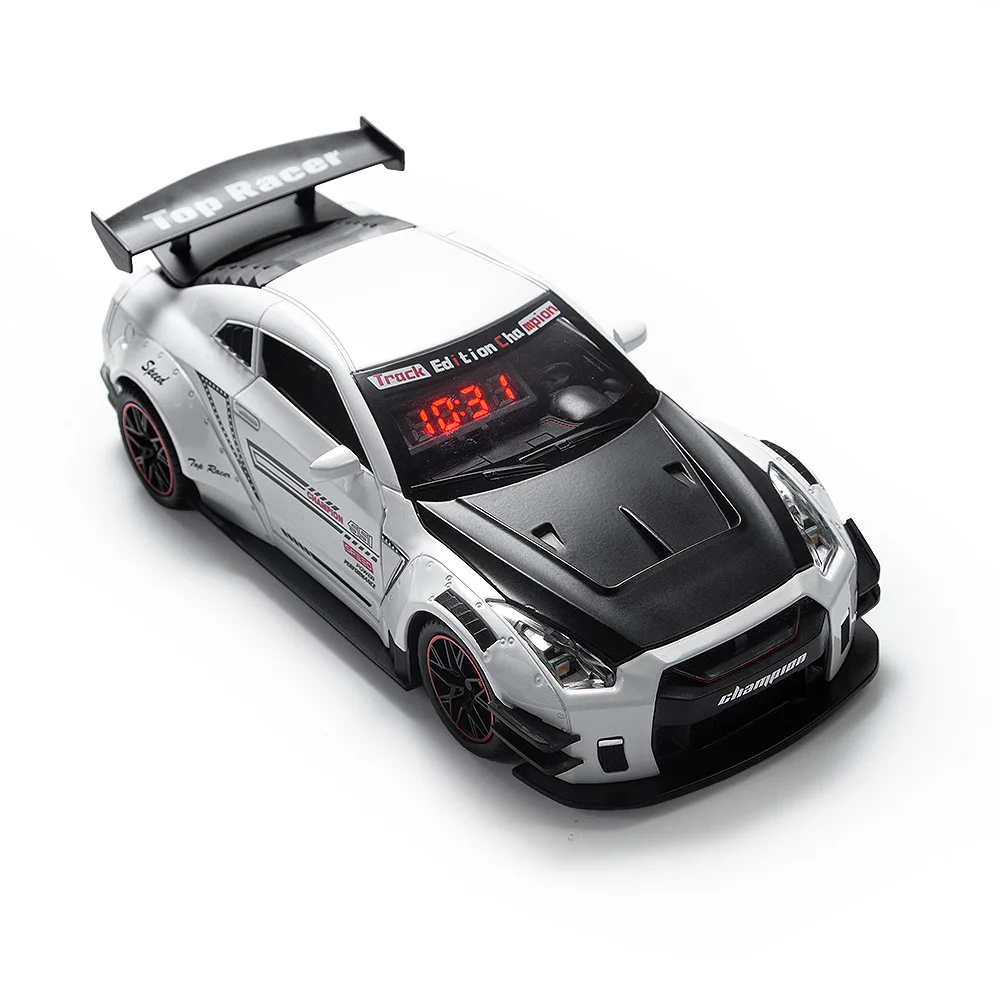
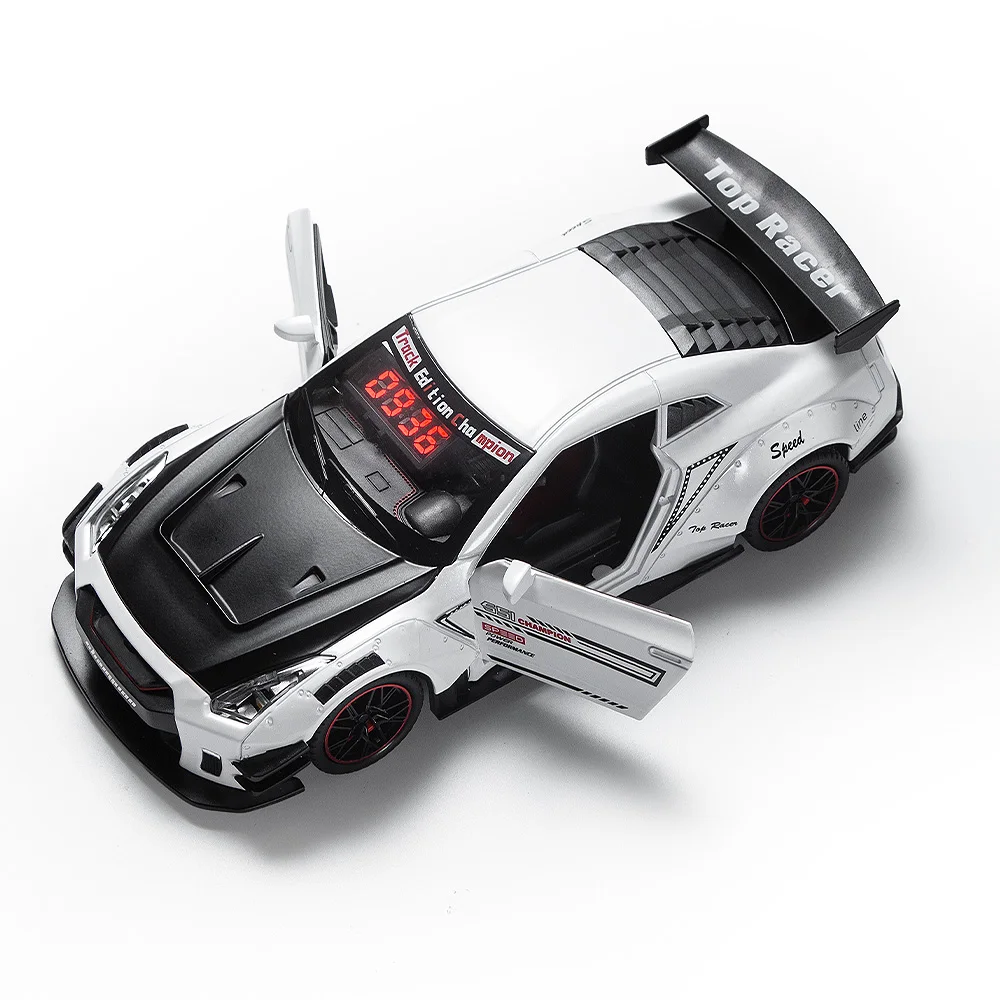
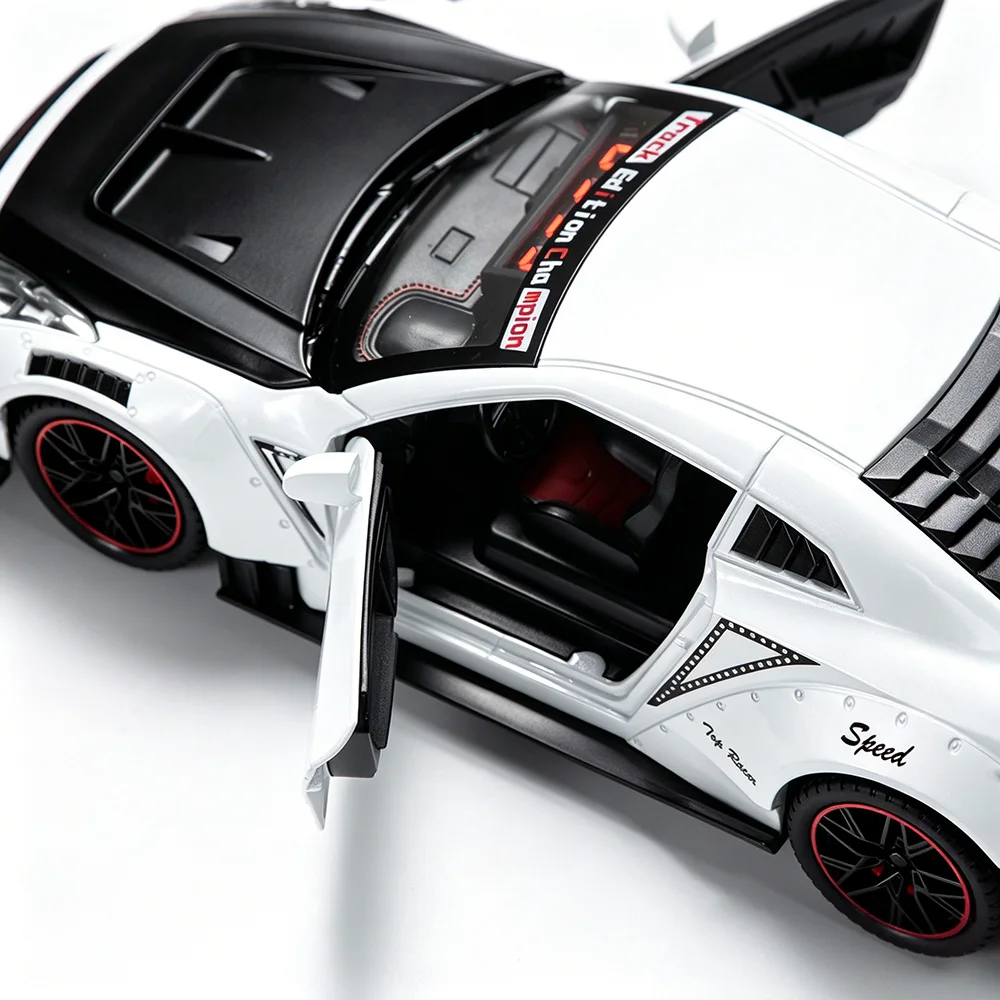
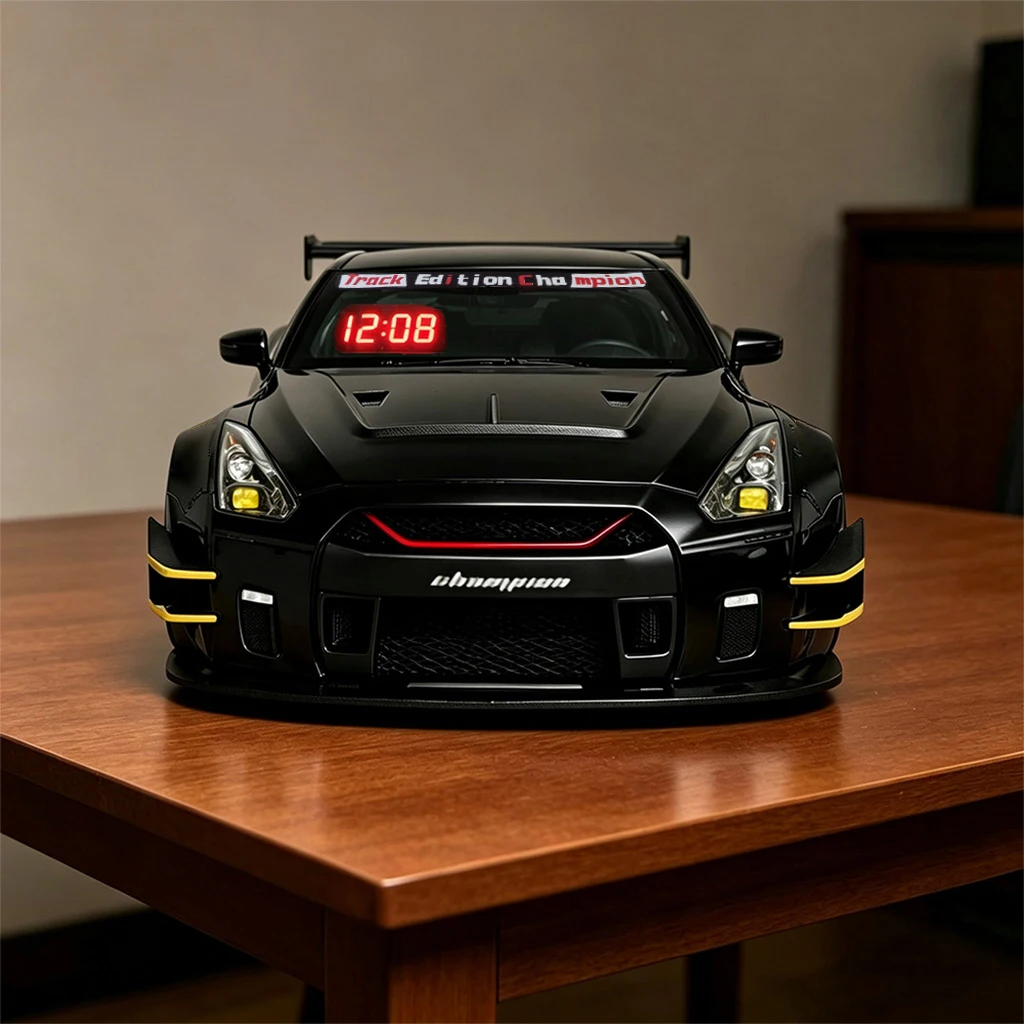
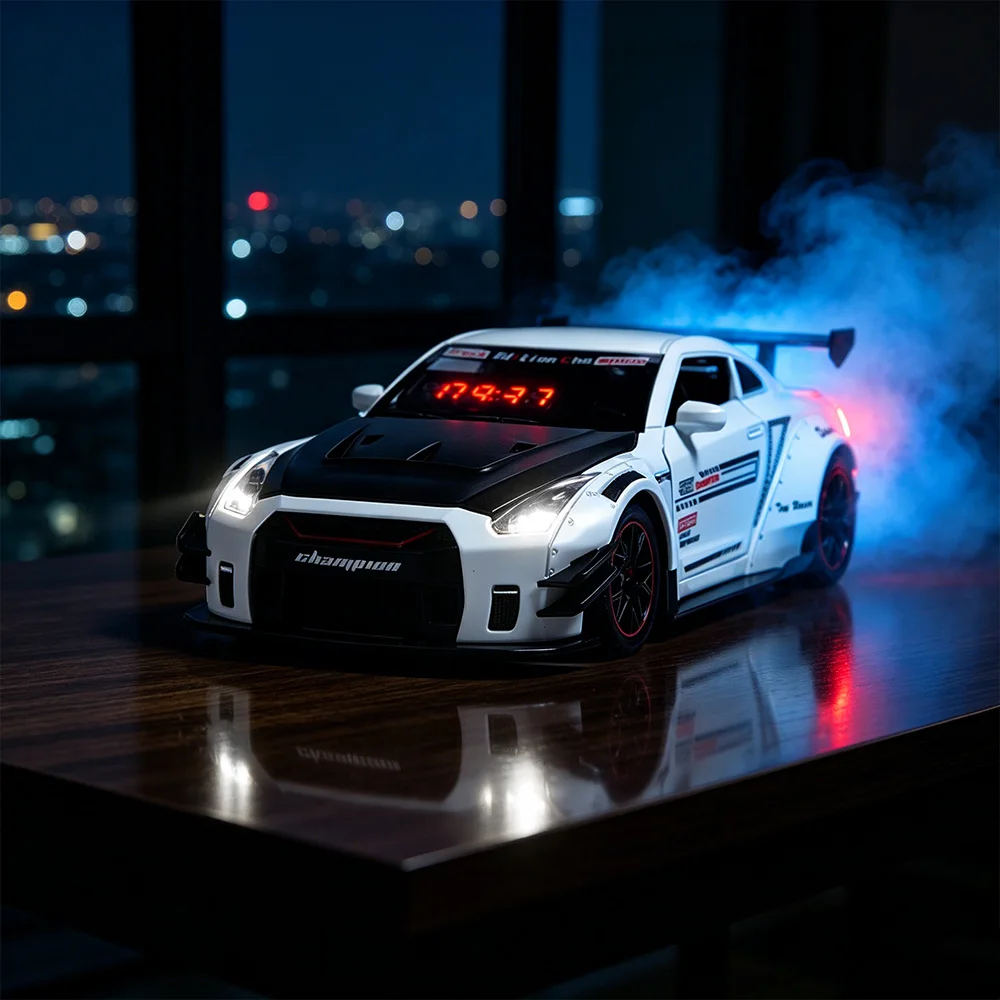
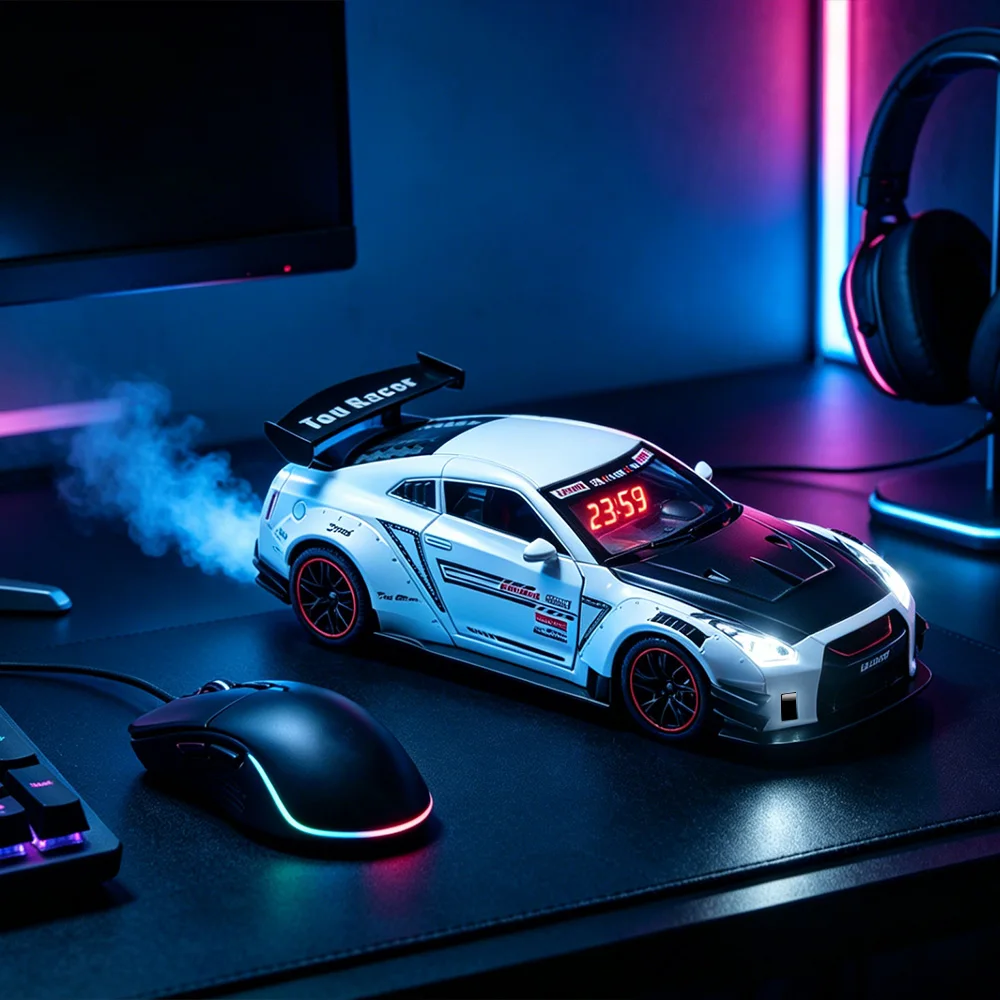
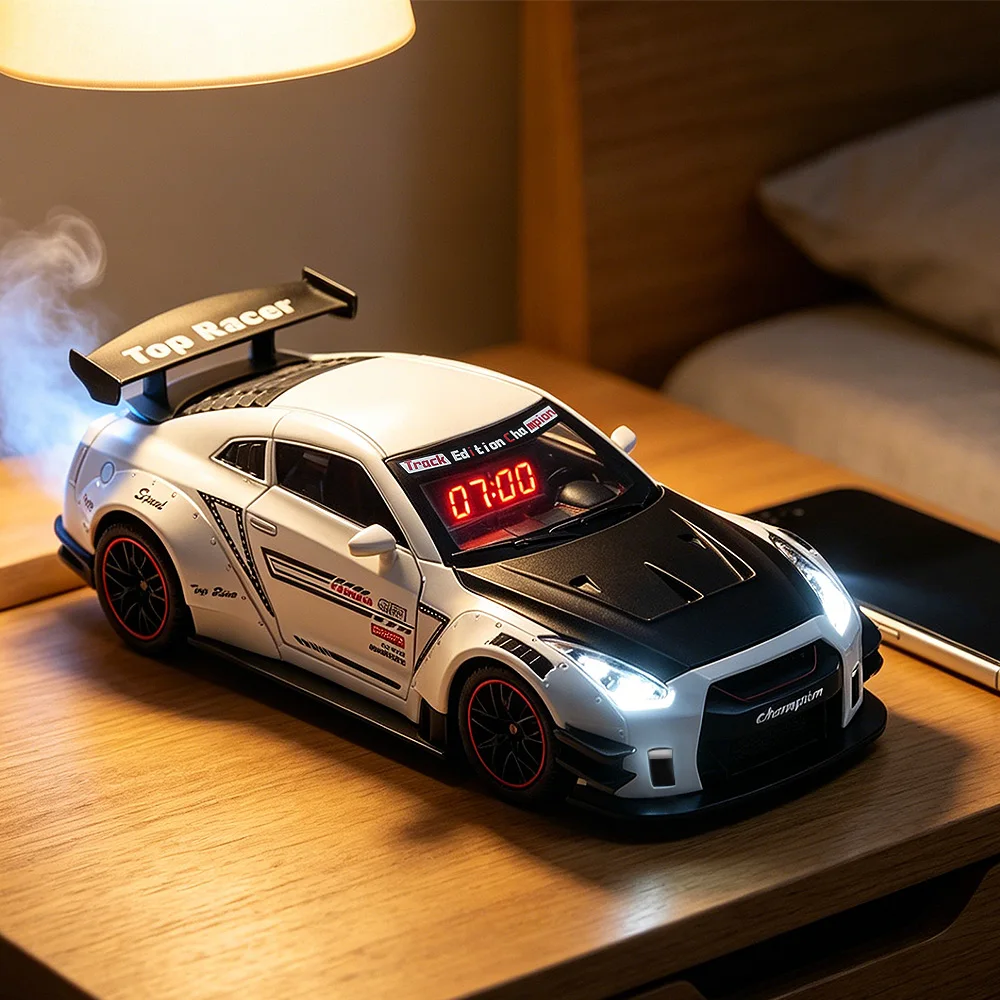
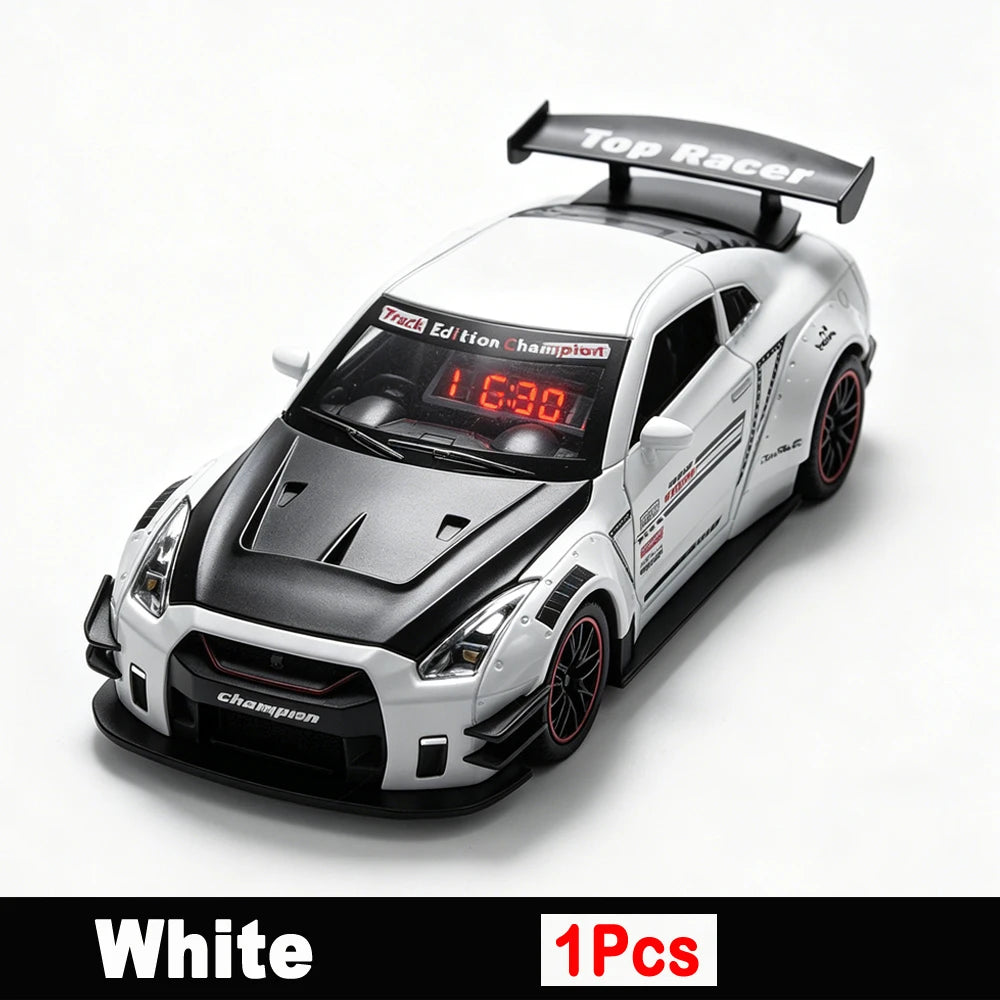
1. Realistic Hypercar Model with Multi-Sensory Effects – This sports car alarm clock features a sleek hypercar appearance, built-in realistic engine startup sound, vivid headlight & taillight LED lighting, and water-addable exhaust smoke light effects, delivering immersive visual and auditory enjoyment while serving as a stylish desk decoration.
2. Rechargeable & Remote Control Operation – Equipped with a built-in rechargeable lithium battery for convenient USB charging and cordless use; comes with a dedicated remote control to freely set time, adjust alarm, switch volume, control car lights and all functions effortlessly from a distance.
3. Dual Time & Alarm Setting Mode – Supports 12/24-hour time display and independent alarm time adjustment, with 3 optional ringtones and 6-level adjustable volume. The LCD clear digital display shows hour, minute and working status clearly, easy to read day and night.
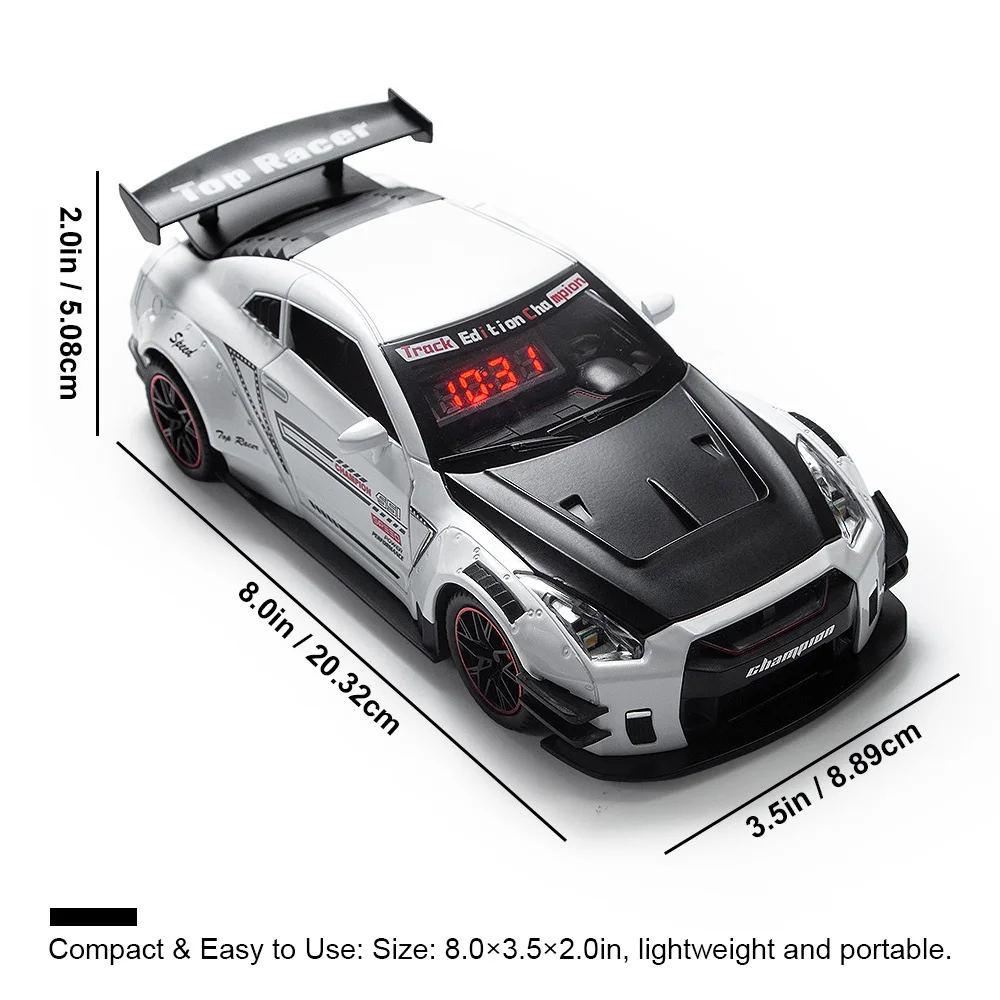
4. All-in-One Practical Desktop Decor – Combining alarm clock, hypercar ornament, LED ambient light and simulated exhaust spray effect all in one compact design, perfect for bedroom, study, office desk decor, ideal holiday birthday gift for car enthusiasts, teens and adults.
5. User-Friendly & Safe Premium Design – Comes with easy one-key operation on the clock body and full remote setting functions; made of high-quality durable material with smooth finish, small parts safe structure, portable size, and certified for daily home and desktop use.